
I Hired an AI Executive Team - and Put Them in Their Own Co-Working Space
Thousands of people run Paperclip but I don’t know of anyone else (yet) that does it like this.
Imagine a CEO, CTO, CMO and COO who work around the clock, never ask for equity and take requests from Slack. That’s Paperclip.
But I have trust issues. And so should you.
What is Paperclip?
Paperclip is an open-source tool for running a “company” of AI agents. You set up an org chart, give each agent a job description and assign work as issues - a lot like a project board. The agents pick up their issues, do the work, comment on their progress and hand things to each other. Under the hood, each agent is an AI model (in my case, Claude and some self-hosted models) running with a set of instructions you write.
I’ve spent the last few days setting it up for Evolving Edge. We’re only three people right now and only two of us are actual developers (I just play one on TV), so the idea of a team that can draft a go-to-market plan while I’m making coffee is very appealing. The idea of that same team having the keys to the kingdom bringing everything crashing down is less appealing.
So most of my time went into the second problem.
(No, seriously - it was like six hours before I could give them their first real task. It was a PITA, but worth it.)
Meet the team
The org chart looks like this:
Carl, CEO. He turns my goals into assignments, sets priorities and reviews everyone’s work before it reaches me. He doesn’t do specialist work himself. (He’s a manager. It tracks.)
Mordecai, CTO. (Not to be confused with our actual, human CTO) Technology, engineering and GitHub. He can look at my Proxmox cluster through a read-only account, and he can file GitHub issues for the AI developer I already use. He has no write access to the monorepo.
Florin, SRE & Security. Reports to Mordecai. He has his own read-only access, separate from Mordecai’s, so I can tell their activity apart and revoke one without the other.
Princess Donut, CMO. Marketing and positioning. She reads my planning notes and provides briefs to the Copywriter.
The Copywriter. Reports to Donut. Writes drafts from her briefs. Has no access to anything except the brief.
Katia, COO. My Slack front door. More on her below.
Yes, the names come from Dungeon Crawler Carl. IYKYK.
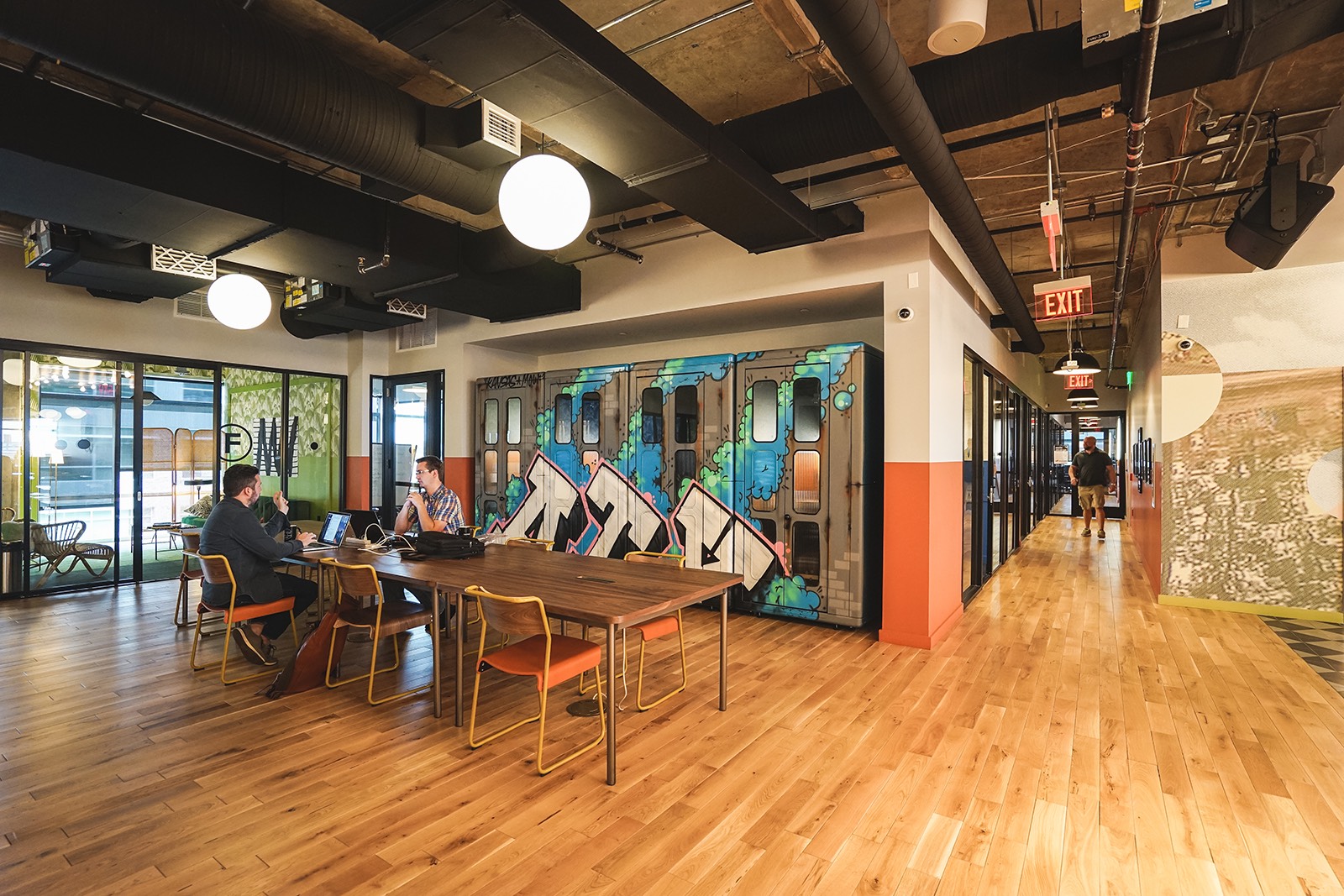
I put them in their own co-working space. Gave each one a keycard that only opens the rooms they need and kept the master key at HQ.
Why two containers?
Here’s the part I want other founders to think about.
Paperclip has two jobs. One is the Paperclip server: the web app, the database, the encrypted secrets and the keys that unlock them. The other is running the agents: the place where the AI actually types commands and reads files.
Out of the box, those can happen on the same host, as the same user. That means an agent - or anything that can trick an agent - is sitting right next to the master key for every secret stored in Paperclip.
AI agents read a lot of text. Planning notes, web pages, Slack messages, issues written by other agents. Any of that text can contain instructions that weren’t written by you. This can result in unintentional or malicious prompt injection, and the honest answer to “will my agent ever fall for it?” is “yeah, probably, eventually.”
So I split operations into two Linux containers:
Container one runs Paperclip. The server, the database, the keys. No agent ever runs here.
Container two runs the agents. It’s a tiny Alpine Linux container that’s basically an empty apartment. Each run logs in as an ordinary user with no admin rights. The agents can reach the Paperclip server through one network port and that’s it.
It’s the same idea as not letting the new intern sit at the CTO’s desk. Not because the intern is bad. Because if something goes wrong, you want the blast radius to be a small room, not the whole building.
A few more rules came out of that split:
Access follows the logged-in user, not the agent. If two agents share a login, they share everything that login can reach. So agents that need special access get their own login. Carl, the CEO, deliberately has less access than Mordecai. He doesn’t need to see the servers to set priorities.
Least privilege, every time. Mordecai’s GitHub token can manage issues and nothing else - no code, no settings. My planning notes - an Obsidian vault and our wiki - sync to the agent container as read-only. The Copywriter can’t even read the planning notes; Donut gives her what she needs in the form of a creative brief.
My personal developer agent stays out of Paperclip. I already use an AI coding agent that has broad access to my systems (on it’s own isolated VM, natch). It would have been easy to plug it into Paperclip. I didn’t, because that would hand all of its access to every agent in the company. And I was lazy - plugging it securely into Paperclip would have meant rebuilding a log of scaffolding and this setup already took longer than I liked.
Talking to the team from Slack
I wanted to @-mention an agent from any Slack channel and have it create the right task. The obvious choice was Carl but I “hired” Katia instead.
Slack is full of text I didn’t write - pasted messages, forwarded threads, link previews. The agent that reads all that should be the one with the least access, not the most. Katia can create Paperclip issues and send me notifications. She can’t approve anything, can’t do the work herself, and mostly takes requests from my Slack account. Everything else she sees is treated as material to do her job, not instructions. She’ll receive greater privileges and responsibilty over time.
The connection itself is locked down too. Slack has to reach Paperclip over the public internet, but I only opened one URL path, and every request has to carry Slack’s signature. Everything else stays on my private network.
When an agent needs me, it marks its task as blocked and asks Katia to post a one-line alert with a link to the Paperclip issue in a private Slack channel. At one point Paperclip offered to connect Slack in a way that would have let Katia search my private messages and files. Nope.
Quirks
It wasn’t all sunshine and roses.
The “new agent” button didn’t work because I was using the web app over plain HTTP on my Tailscale Tailnet. Modern browsers will only allow some features over HTTPS. Putting it behind HTTPS on my private network using tailscale serve fixed that.
Slack wouldn’t respond for a ridiculously long time. It turned out a setting called Socket Mode was on, which tells Slack to ignore the web address I’d given it. Slack integrations are a PITA unto themselves.
Agents tried to message me directly. They can’t, by design. I had to add a line to every job description (the AGENTS.md file): “You can’t message John yourself.”
My phone couldn’t load the web app because after setting up tailscale funnel to enable Slack access, part of the address now pointed at the public internet. I had to set up split DNS in Tailscale. I learned a lot from that one. My head still hurts.
Every one of these is now a line in a runbook, so if I never need to set this up again, it should take an hour instead of a couple of days.
Adding a new, secure agent has been simplified too, using a shell script. I only need to paste some tokens and a URL when prompted and the script does the rest.
Did it work?
For a first test, I asked Donut to draft a go-to-market plan from my planning notes. I’ve had my head in the monorepo for weeks now, so my notes are, let’s say, a work in progress. She did a surprisingly good job anyway since she was briefed by Mordecai who got his undersanding of the product directly from GitHub, cited where each point came from, and flagged the gaps in my notes for me to fix. That last part was the most useful.
I wouldn’t let any of these agents publish anything, spend money or change a server on their own - at least not yet. Nothing public goes out without my approval, and that’s written into every job description. Right now it’s a team that drafts, routes and reports, while I make the decisions.
Eventually, I plan to give Florin write access to the cluster so it can spin up containers on its own, manage individual containers, and fix Ceph OSD issues, but it will be some time before I do that.
Verdict
If you’re a founder thinking about AI agents, the agents are the easy part. The hard part is deciding what each one is allowed to touch, and building it so a mistake doesn’t blow eveything up.
Give them their own workspace. Give each one only the keys it needs. Keep the master key somewhere they can’t reach.
Will I “hire”” more agents in Paperclip? Probably. Will I give them more access? S-l-o-w-l-y.
This post was drafted with the help of an AI. Not one of the ones above. They’re busy.